> ## Documentation Index
> Fetch the complete documentation index at: https://help.moyacascade.com/llms.txt
> Use this file to discover all available pages before exploring further.
# Record purchased electricity
> Select the country and year, enter electricity use, and optionally add a market-based factor.
Open **Scope 2** to record purchased electricity use. Moya automatically selects the location-based emission factor for the country and year you choose.
Click **Add activity**, select **Electricity**, and enter **Activity name**, such as “Office grid electricity”. Click **Continue**.
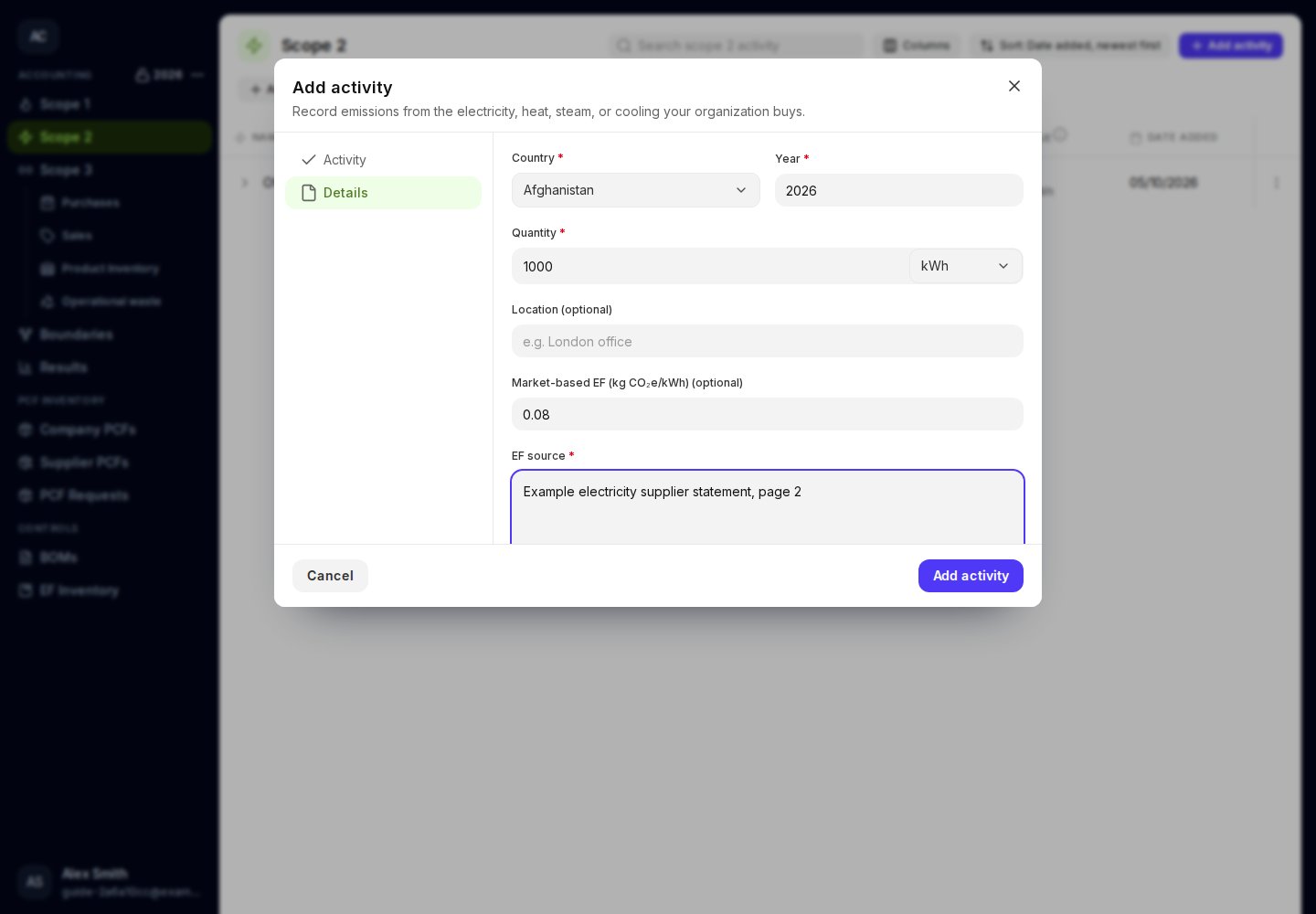
Select **Country** and enter **Year**. The year starts with the accounting year; check it against the electricity data you are reporting. Choose 2021 or a later year with available electricity data.
Enter a positive **Quantity** and select **Quantity unit**, such as kWh or MWh. You can enter **Location (optional)** to identify the office or facility. Energy units are converted automatically.
**Market-based EF** is optional. If you enter it, also enter **EF source**. Use a factor expressed per the quantity unit shown on the form. For example, a factor supplied per kWh must be converted before entering it against an MWh quantity.
Leave both fields empty when you do not have a market-based factor. A blank field is different from a documented zero factor.
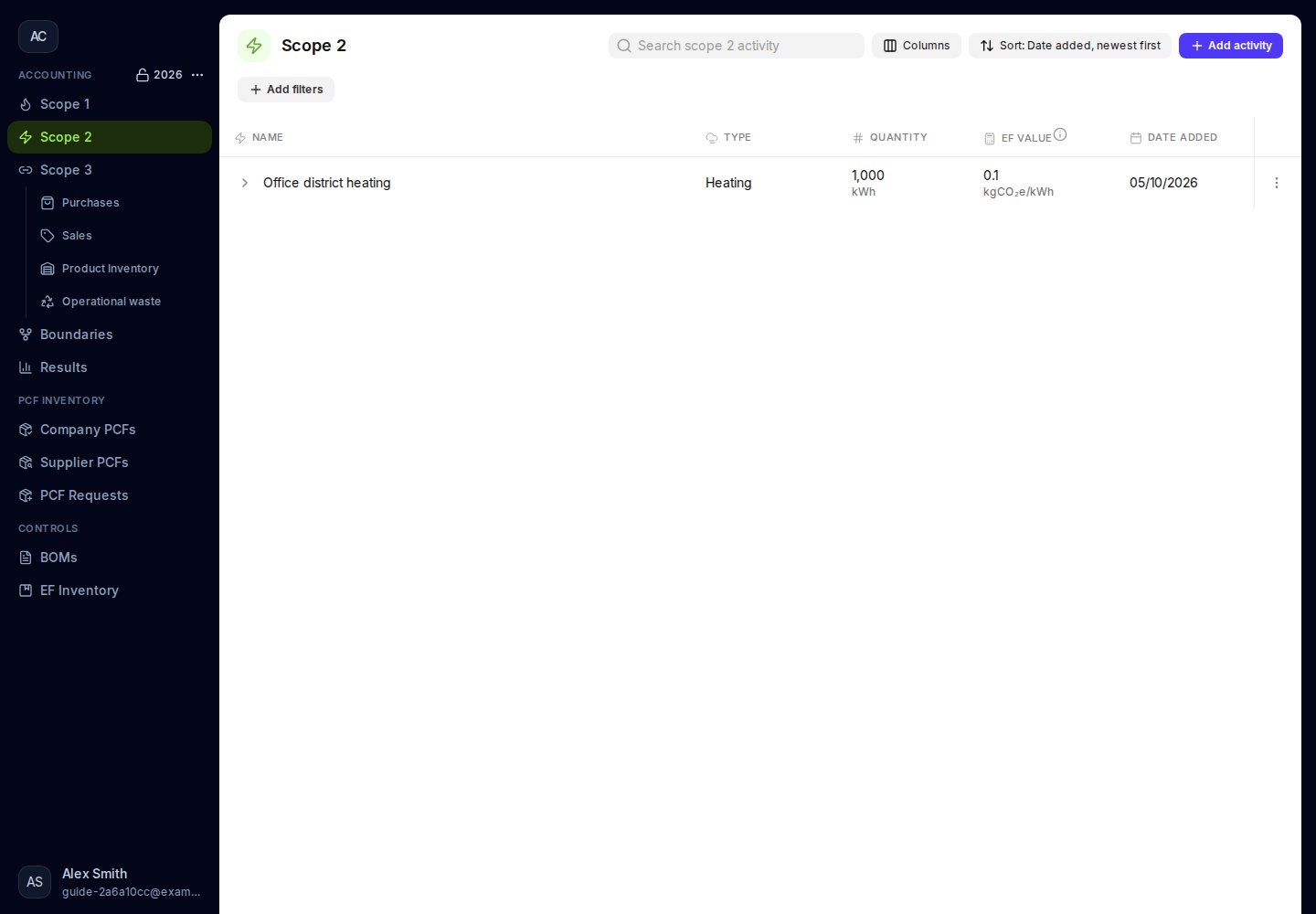
Click **Add activity**. Review the quantity, emission factor, source, and emissions in the saved row.
 ## If the electricity factor is unavailable
Check the country and year, then try again. If the factor is unavailable, Moya shows an error. The activity is not saved until a factor is available. Do not change the country merely to obtain a result.
Electricity is not included in Product inventory. To record its upstream Scope 3 component, use [fuel and energy purchases](/user-guides/purchases/fuel-and-energy).
## If the electricity factor is unavailable
Check the country and year, then try again. If the factor is unavailable, Moya shows an error. The activity is not saved until a factor is available. Do not change the country merely to obtain a result.
Electricity is not included in Product inventory. To record its upstream Scope 3 component, use [fuel and energy purchases](/user-guides/purchases/fuel-and-energy).
 This documentation is built and hosted on [Mintlify](https://mintlify.com), a developer documentation platform.