
1
Create the product
Click Add product. Choose whether it is used for Purchase, Sale, or Both. Select the purchase category when applicable, and the sale category when applicable. Enter Inventory product name and Unit.For a fuel product, choose the fuel from the selector. Electricity and purchased heating/cooling are not included in Product inventory.
2
Enter stock already held
Starting stock (optional) is the quantity held when the accounting year begins. Leave it empty or enter zero if there is no opening stock. Enter a positive quantity only when supported by your stock records.
3
Select the opening-stock factor
Positive opening stock reveals Opening stock EF. Select its database and activity-based Emission factor. Choose a factor that describes the stock you held at the start of the year. You choose the factor for new purchases separately on the Upstream step. It is required even for a sales-only product.If its unit differs from the product unit, complete both conversion amounts. Common compatible units are calculated automatically. For a custom conversion, enter both sides, such as 1 box = 0.003 tonnes. Upload or select Opening stock evidence.
4
Set the product profiles and save
If the product is used for Purchase or Both, continue to Upstream. Select the upstream factor and conversion, or review the automatically selected Scope 3 fuel factor. If the product is used for Sale or Both, continue to Downstream and choose the factors for its applicable activities. Save the product.
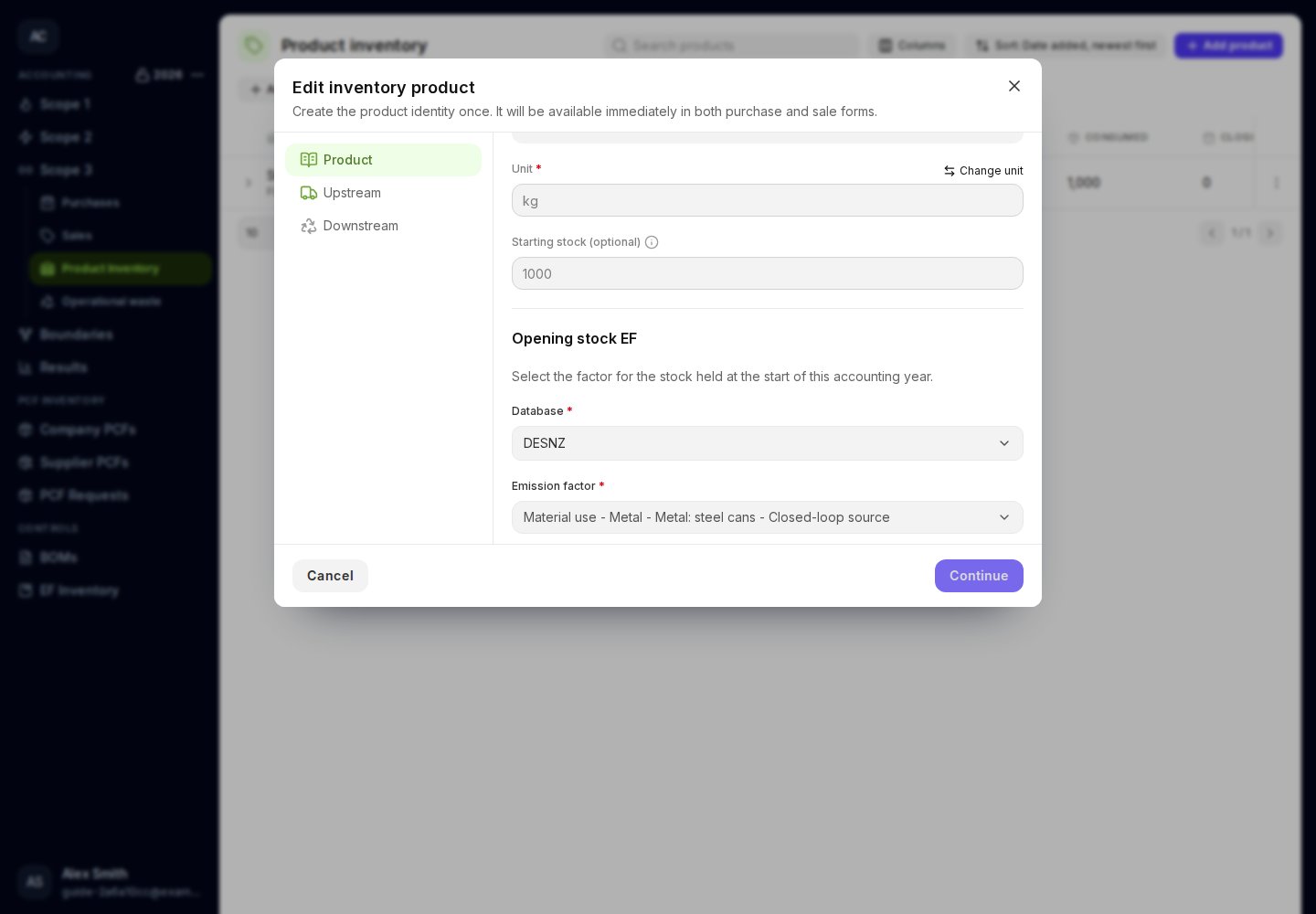
The opening-stock factor describes stock already held, separately from future purchases.