
Fuel
- Click Add purchase and choose Fuel- and energy-related.
- Leave Energy purchase type set to Fuel. Open Fuel, search by fuel name, and use Category to narrow the choices.
- Select the fuel. Moya automatically selects the Scope 3 factor for producing and supplying that fuel, using the accounting year.
- Click Continue. Confirm the product and supplier details. Select Purchase unit, then enter Quantity and Price per unit. Common mass, volume, and energy units are available where they match the selected fuel.
- Enter Currency, Purchase date, and the invoice total. Review the FX rate and calculated USD total. You can override the FX rate.
- Upload evidence or tick it from Supporting documents, continue, review the selected factor, and save.
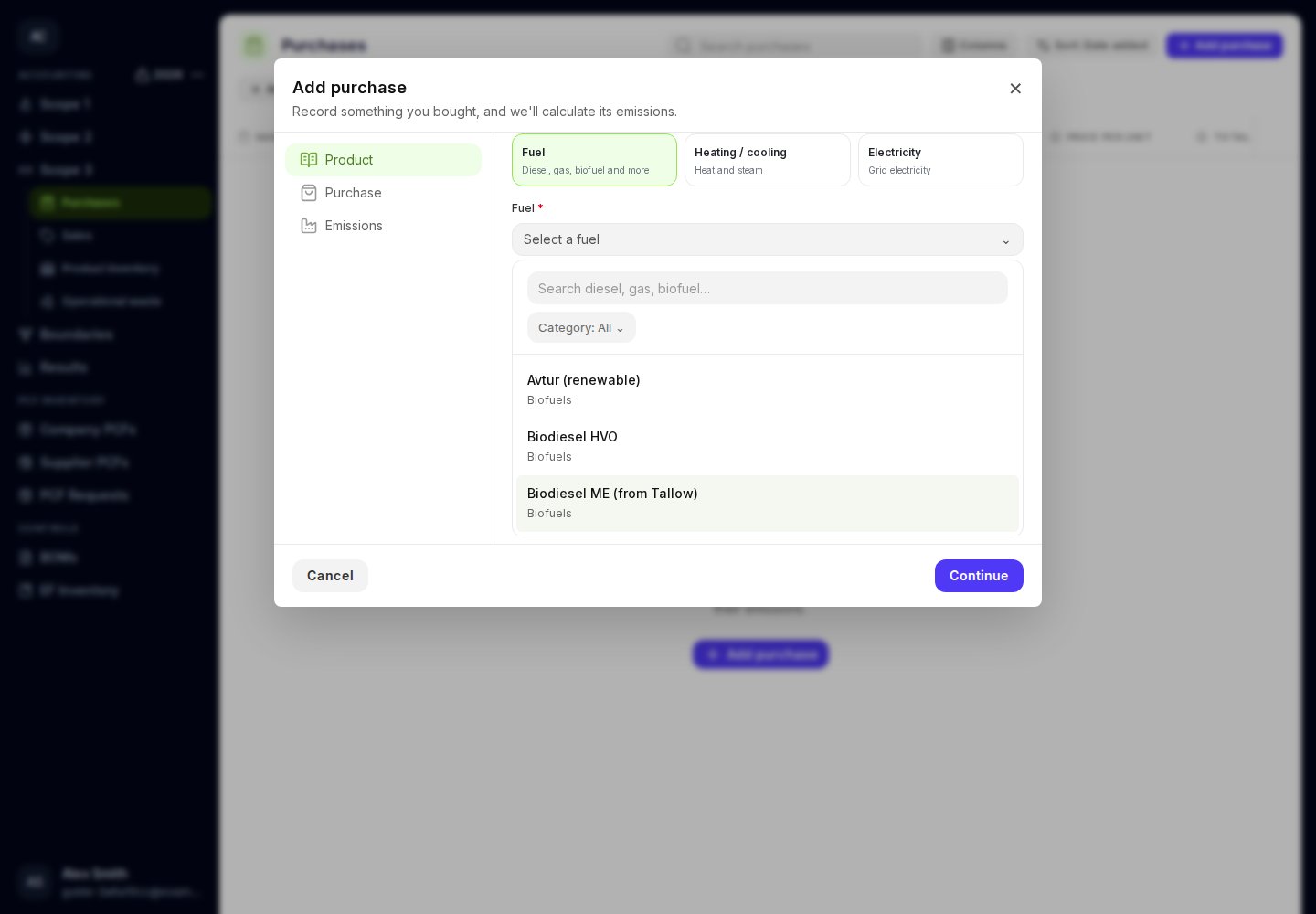
Choose the fuel; its upstream Scope 3 factor is selected automatically.
Purchased heating and cooling
Choose Heating / cooling and select Heating / cooling type from the available list. Then enter purchase quantities, units, cost, date, and evidence as above. Moya selects the Scope 3 factor automatically. Record the emissions from using purchased heating or cooling separately in Scope 2.Electricity
Choose Electricity, select Country, and continue to the purchase details. Enter the energy quantity and unit, cost, currency, date, and evidence. Moya uses the accounting year to select the annual Scope 3 electricity factor.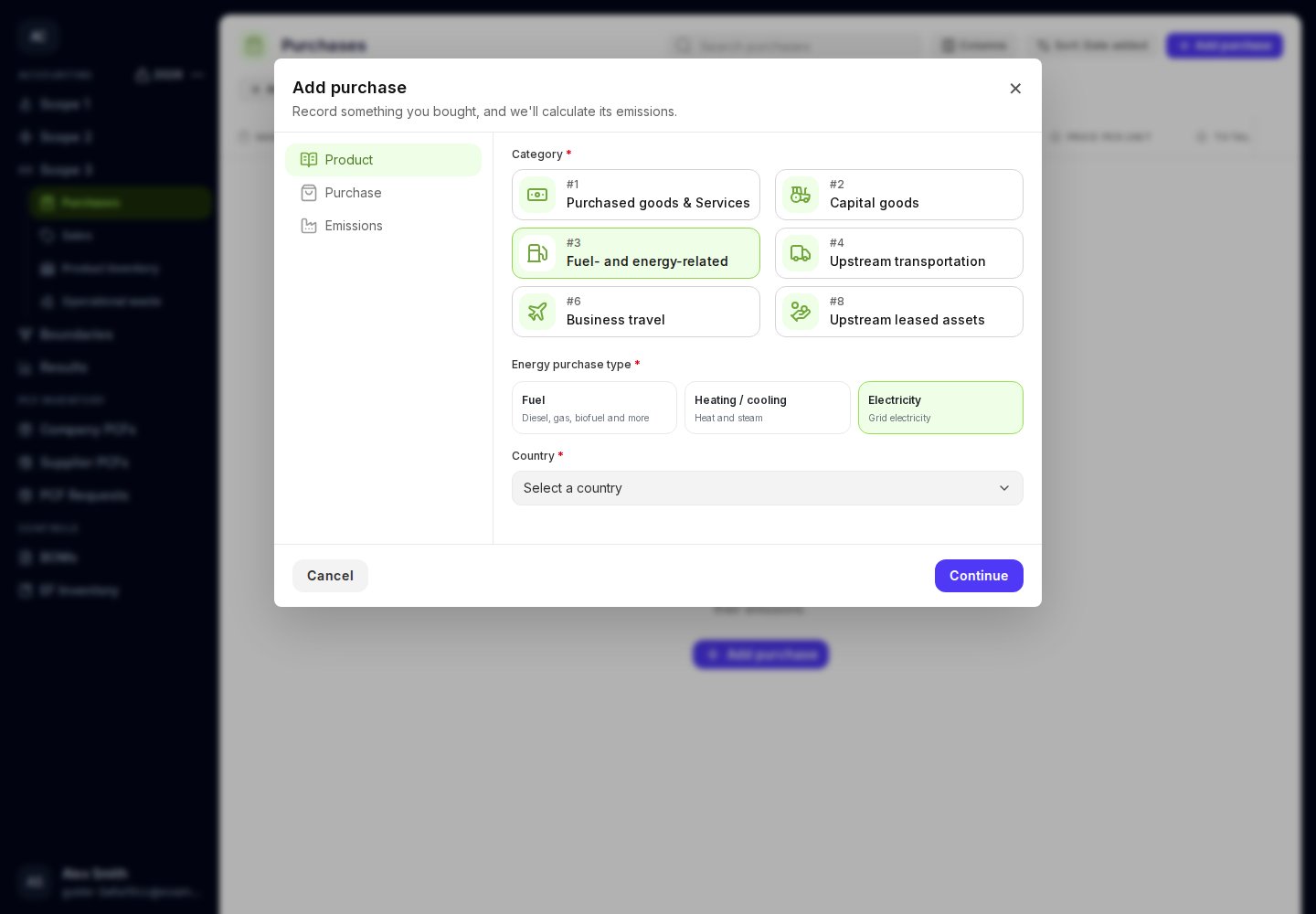
Select the country for the annual Scope 3 electricity factor.